Car Stunts Driving Arcade
Reviews
💡Crazy Car Stunts Driving Game delivers a satisfying balance of challenge and accessibility. The 53 levels gradually increase in difficulty, teaching players to manage speed and balance on zigzag paths. Controls are responsive, and the full-screen mode enhances immersion. While the graphics are simple, the gameplay loop remains engaging for repeated attempts. It is a safe, family-friendly option for anyone looking to practice timing and precision without pressure.
Description
Game Introduction
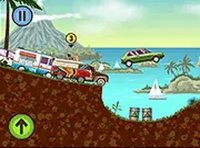
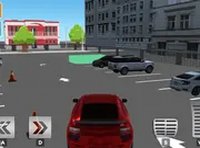
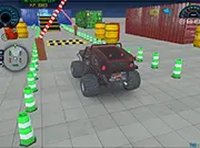
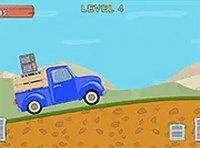
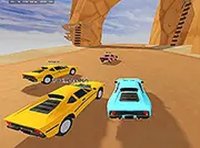
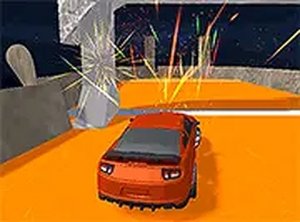
Crazy Car Stunts Driving Arcade Game puts you behind the wheel of a stunt car on thrilling zigzag tracks. This free online arcade game features many levels filled with extreme ramp jumps and tricky paths. Each stage is designed to test your timing and balance as you navigate narrow roads and perform stunts. The game is optimized for desktop play, offering smooth controls and a full-screen mode for an immersive experience. Whether you are a casual player or a stunt enthusiast, this game provides a safe and enjoyable way to practice driving skills without any violent or inappropriate content.
How to Play
Use your keyboard or mouse to control the car. The goal is to drive across zigzag tracks and perform stunts by jumping over ramps. Each level requires careful timing and balance to avoid falling off the track. You can play in full-screen mode for a better view. Simply start the game, choose a level, and use the arrow keys or on-screen controls to accelerate, brake, and steer. Practice makes perfect, so keep trying to complete all levels. The game is easy to pick up but offers enough challenge to keep you engaged. Focus on maintaining control during jumps and adjusting your speed on narrow paths to progress smoothly.
Game Features
Fun ramp jumping across many levels. Zigzag tracks that test timing and balance. Free to play with no downloads required. Desktop-friendly design with full-screen mode. Smooth keyboard and mouse controls.
Tips for Success
Practice each level repeatedly to learn the track layout and timing of jumps. Adjust your speed before approaching ramps to maintain control during stunts. Use the full-screen mode to improve visibility and reduce distractions. Focus on balancing the car on narrow sections by making small steering corrections. Take breaks if you feel frustrated, as a fresh perspective often helps. Learning from each mistake will gradually improve your performance and help you conquer more challenging tracks.